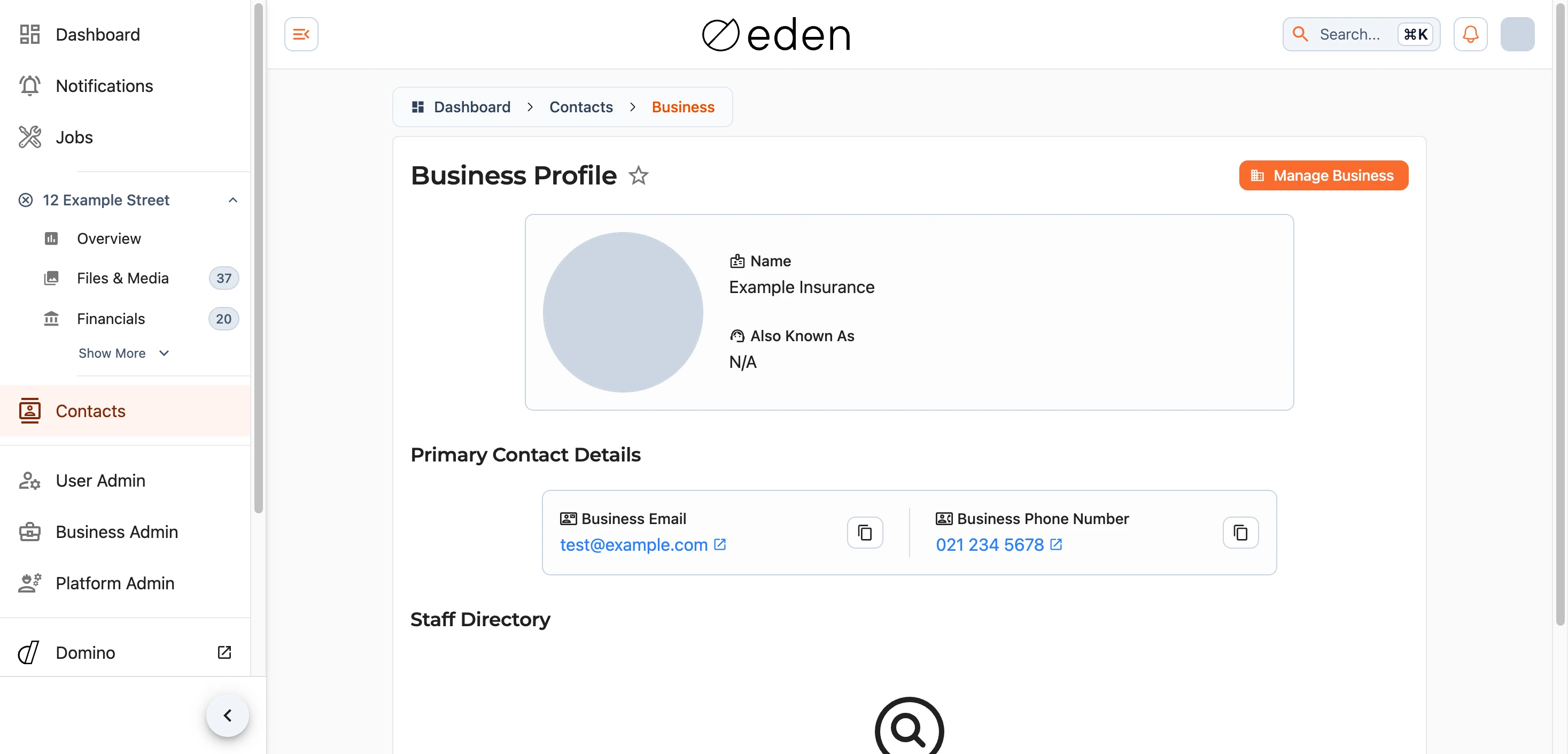
Your contacts are the people and businesses you have come across through your jobs - a handy directory for finding someone's details without having to dig through a job to reach them. You can open it at any time:
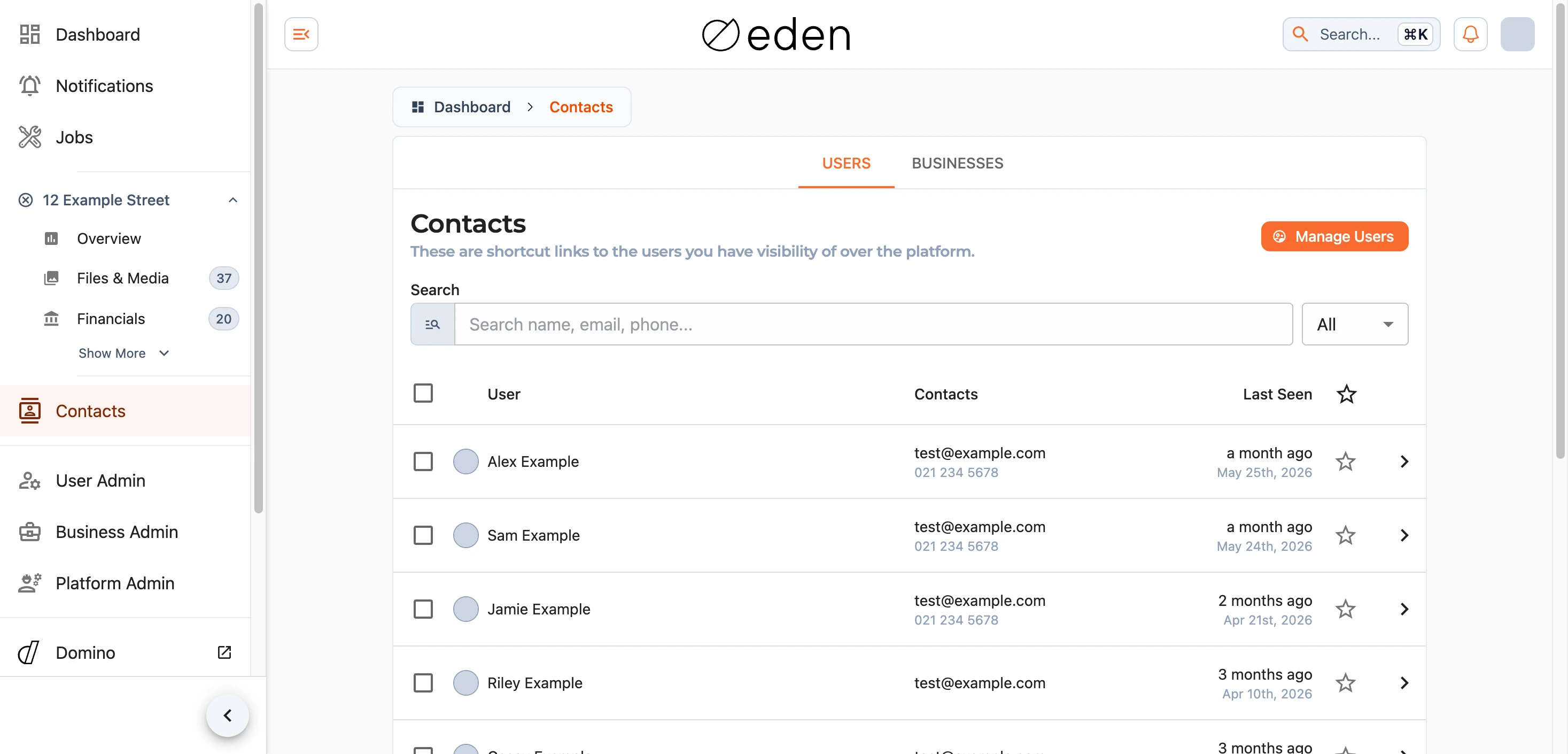
The directory has two tabs - Users for individual people and Businesses for organisations. Search either to filter it down, sort by any column, mark someone as a favourite with the star, and use Fetch more to load further results.
Note: you only see people and businesses you share a job with. EDEN is not a social network - you cannot discover, or be discovered by, others you are not working alongside. You can read more in your account settings.
User Profiles
Selecting a person opens their profile, showing how they would like to be reached: their name and any nicknames, a short bio if they have written one, their email, and their phone numbers - including which is preferred and any hours they would rather be contacted within.
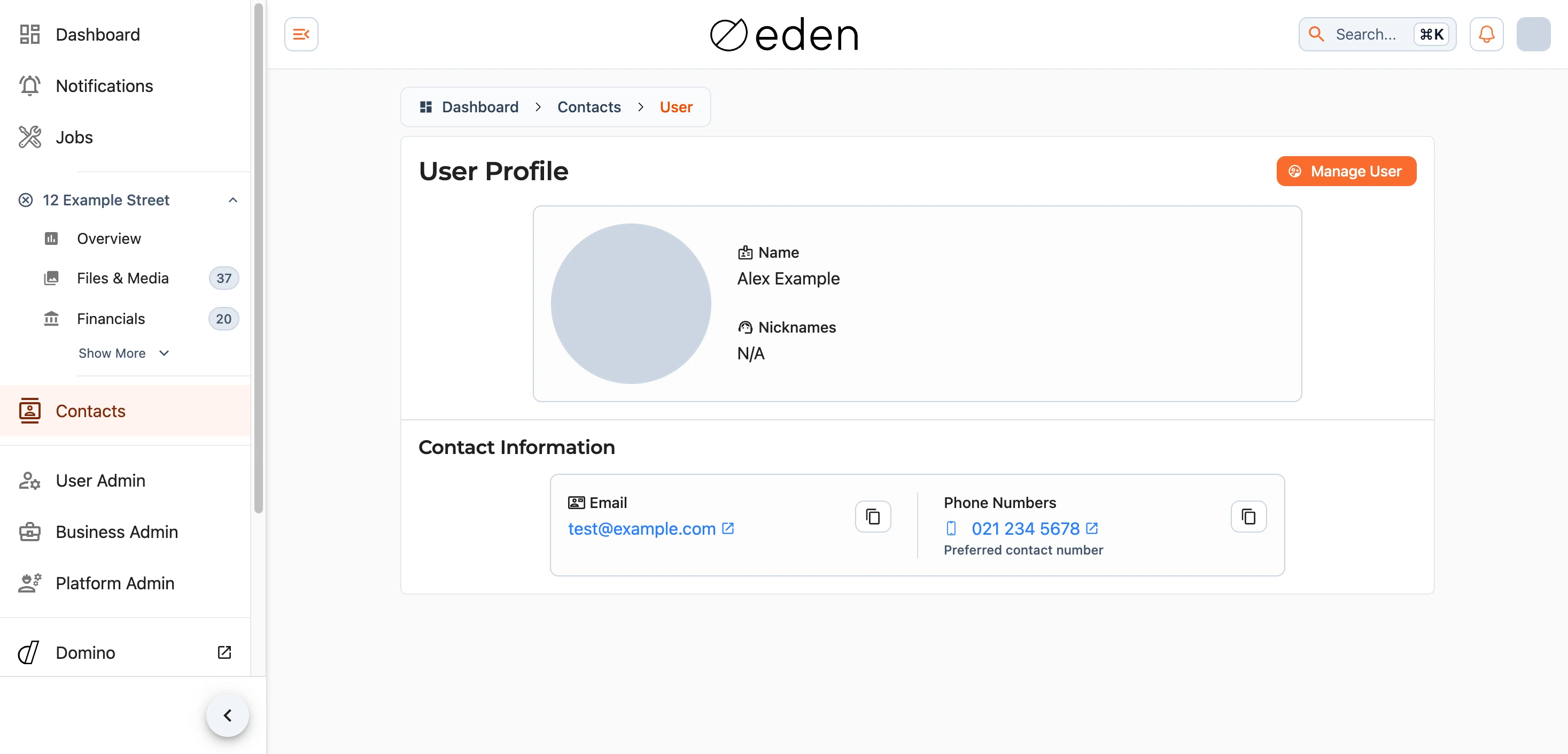
You can add someone to, or remove them from, your own contacts here. Removing a contact only affects your list; it does not tell them, and your details may still appear in theirs.
Business Profiles
A business profile works much the same way, with the organisation's name, any other names it goes by, its type, a bio, and its contact details - including a general business number and the numbers of any representatives who are happy to be contacted. Where a business has staff on the platform, they are listed too, so you can reach the right person directly.