The Financials section brings together the money side of a job - the quotes prepared for the work and the invoices raised against it. You will find it in a job's navigation menu, split across three tabs: Overview, Quotes, and Documents. As with the rest of a job, what you can see here depends on the permissions you have been given.
Overview
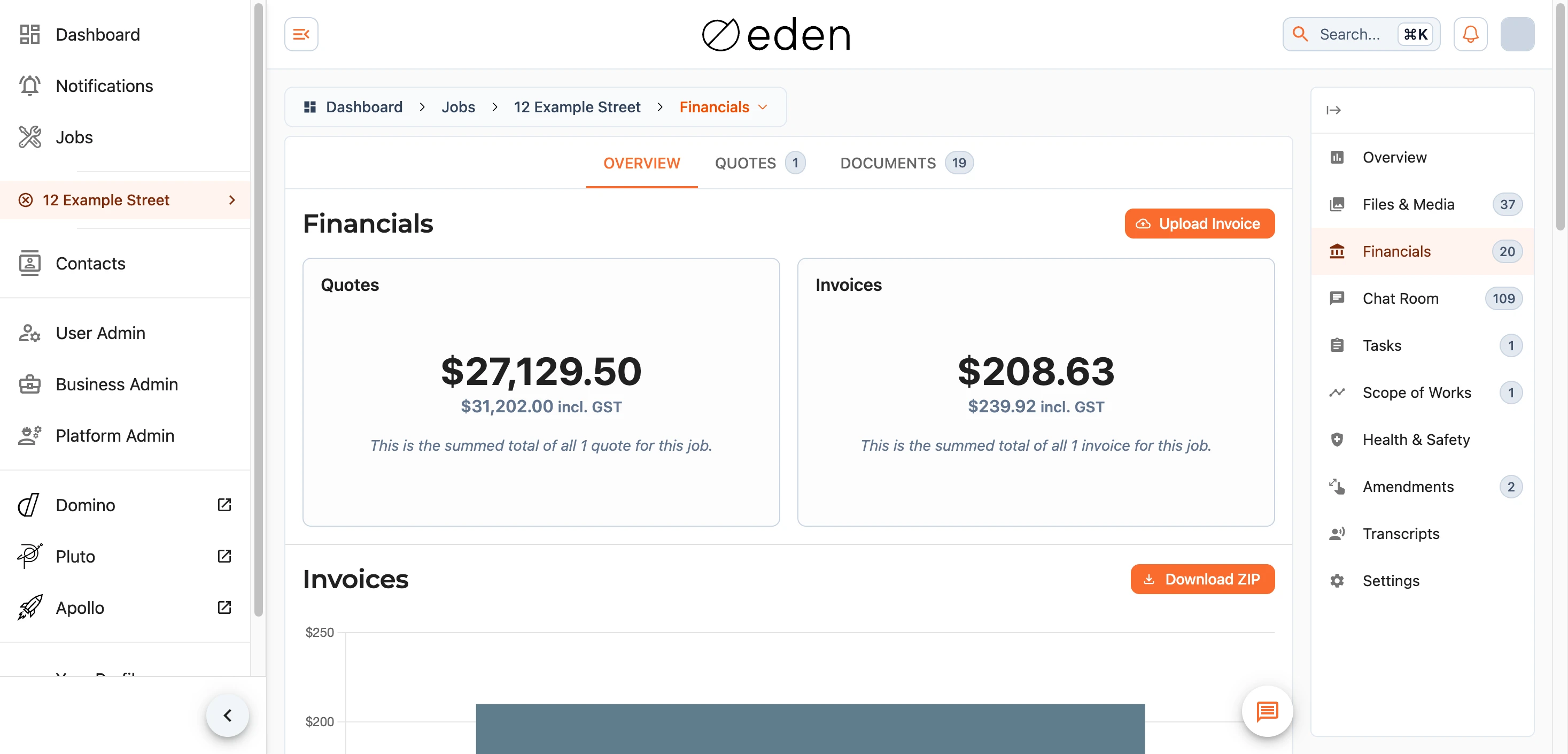
The overview gives you the headline figures at a glance: the combined total of the job's quotes and the combined total of its invoices, each shown both before and with GST. Beneath the summary cards, a chart and supporting lists break the figures down so you can see how they add up.
If you have permission to add financial documents, the Upload Invoice button lets you bring one in from here.
Quotes
The Quotes tab lists the quotes prepared for the job, each showing its current status - Pending, Approved, Rejected, or Archived. Select a quote to open it in full.
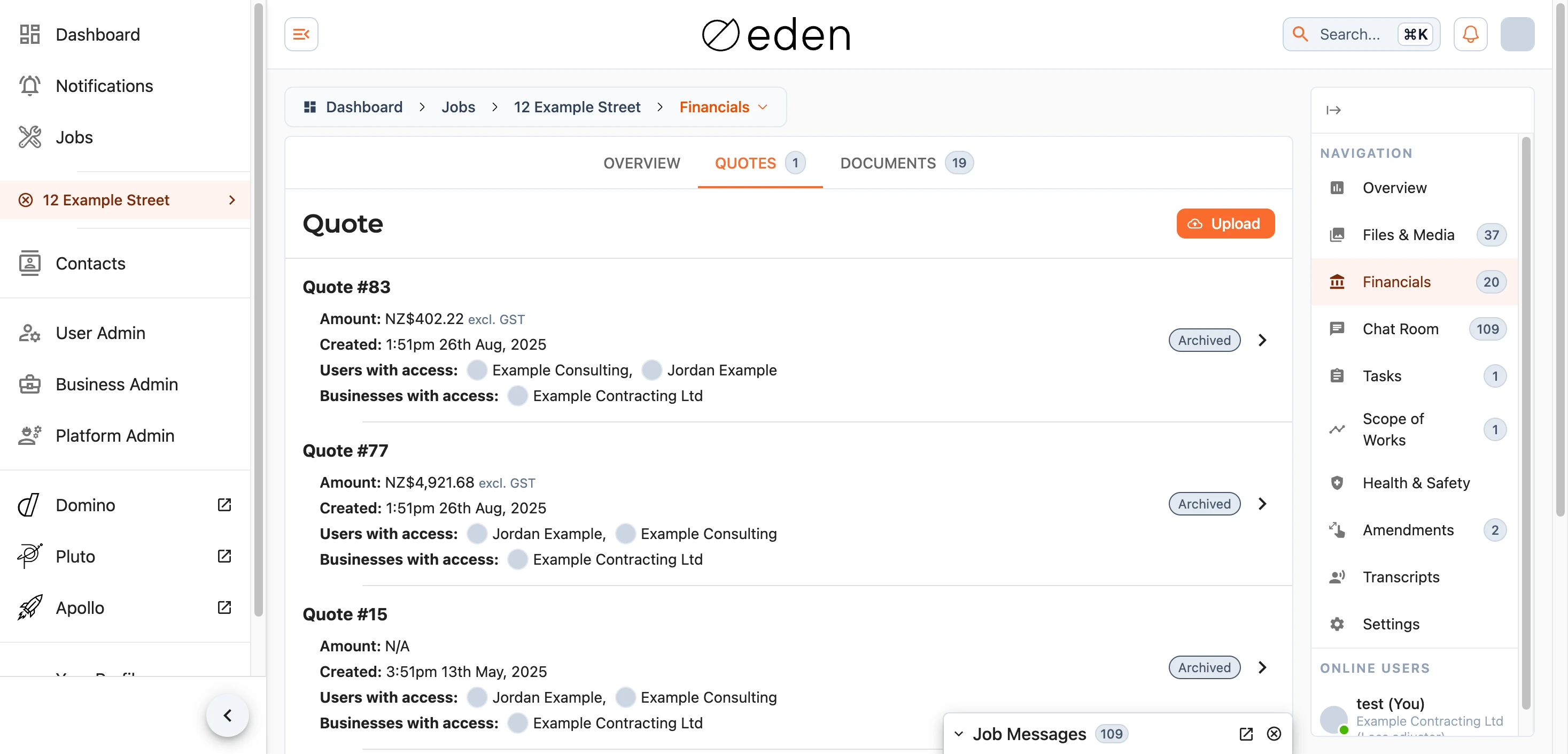
If you have permission, you can upload a quote (as a PDF) using the Upload button, and update a quote's status from its actions. Marking a quote as approved is what feeds it into the totals on the overview.
Documents
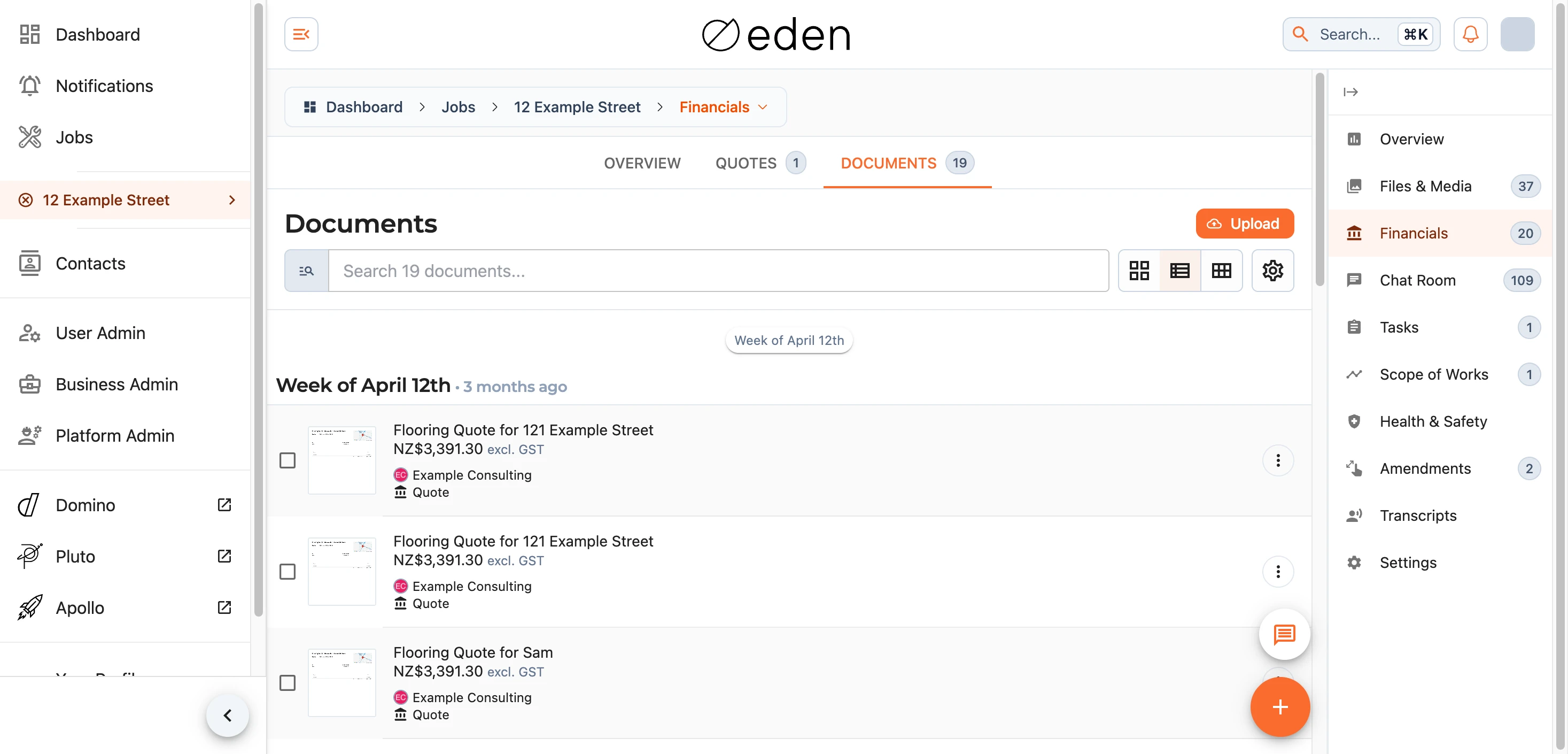
The Documents tab is where the job's financial documents - invoices and the like - are stored. It works much like the Files & Media section: you can search, filter, and switch layouts to find what you need, select documents for bulk actions, and upload new ones if you have permission.
Viewing a Document
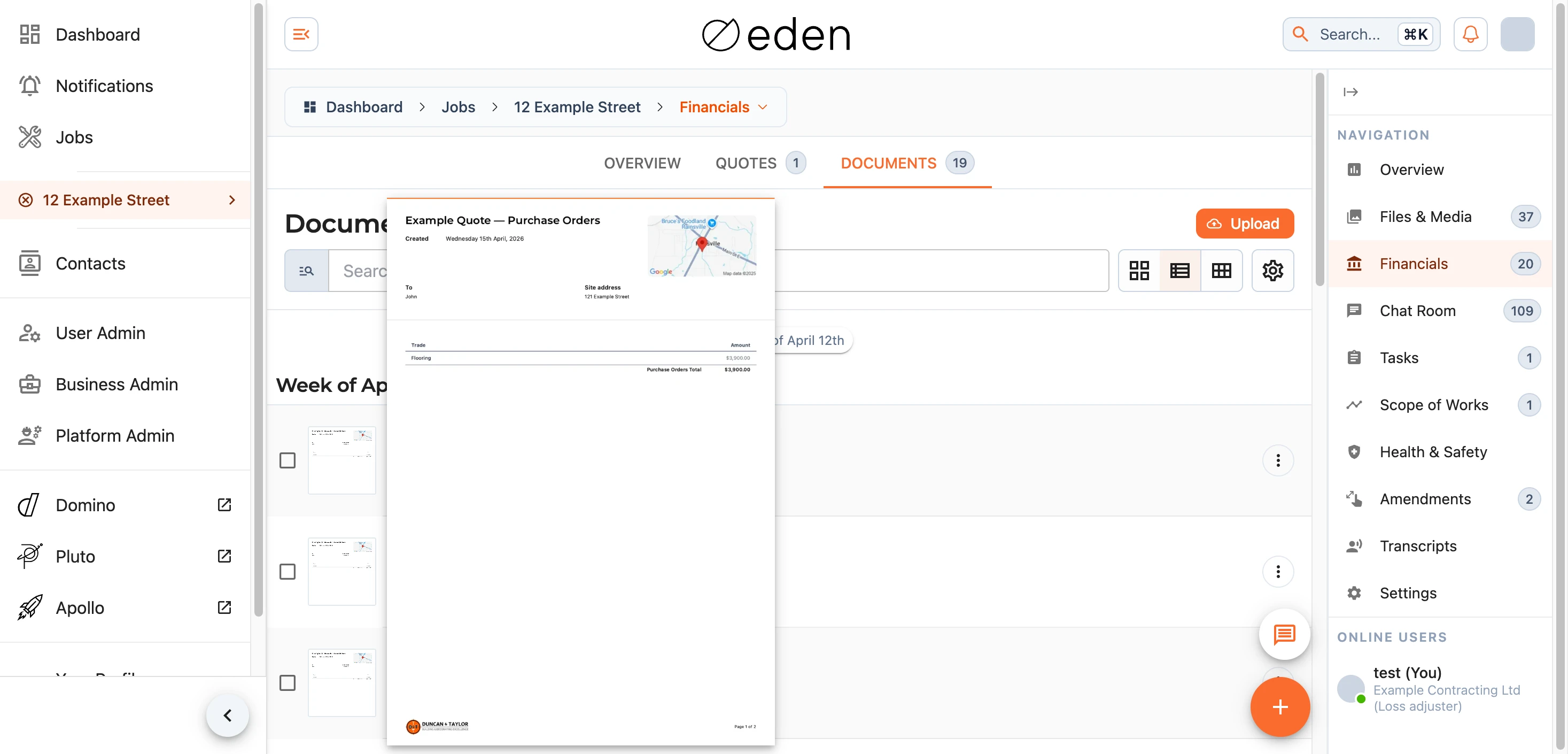
Selecting a quote or document opens a full-screen preview. Alongside the original file, EDEN shows the detail it has read from it - the individual line items, totals, and any terms - so you can review the figures without having to pore over the paperwork itself. You can export the line items if you need them elsewhere.
Note: the figures shown across this section are drawn from the documents on the job and are there to give you a clear running picture. For anything to do with billing or a discrepancy, please get in touch with us at support@samconsulting.co.nz.