Building the line items is only half the story. Domino also helps a quote get checked, talked through, and sent out. This page covers the status workflow, version history, collaboration, the A.I. review, and publishing the finished quote. For building the quote itself, see building a quote.
Status
Every quote carries a status that tells everyone where it is up to - the same set used on the dashboard: Draft, Pending, Approved, Rejected, and Archived. Update it from the status row in the header or Set Quote Status in the Actions menu. When you change a status you can record a short reason, which is shown alongside it so the history of a decision stays clear.
History
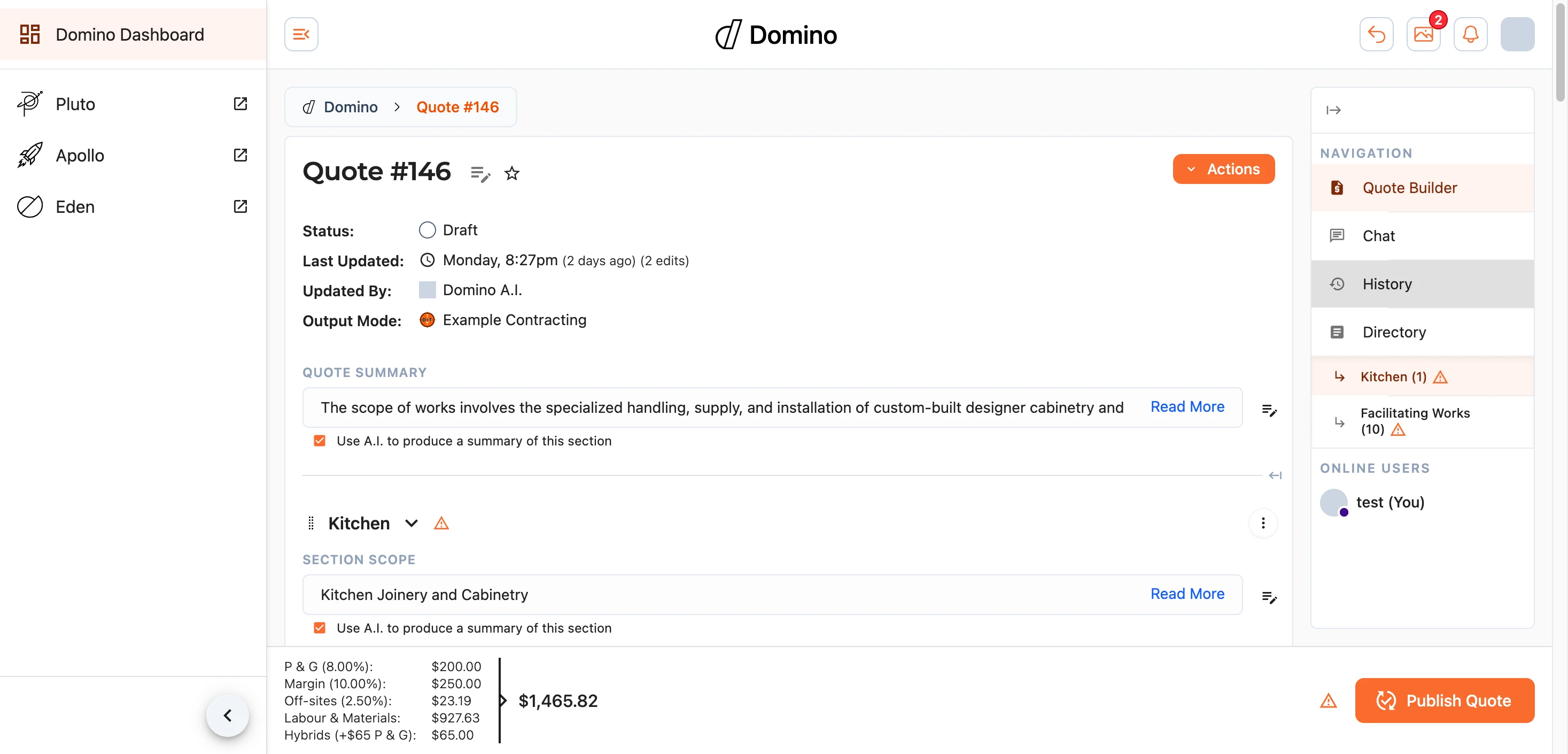
Domino records every change to a quote as you go, so nothing is ever lost. Open View History from the Actions menu (or the history controls in the header) to see the full list of edits - who made each one and when - and to roll the quote, or an individual line item, back to an earlier version.
Comments and Collaboration
A quote is often worked on by more than one person, and Domino is built for that.
- Comments can be left on any line item to ask a question or flag something that needs a second look.
- The latest comment surfaces in a banner at the top of the quote; select it to jump into the conversation.
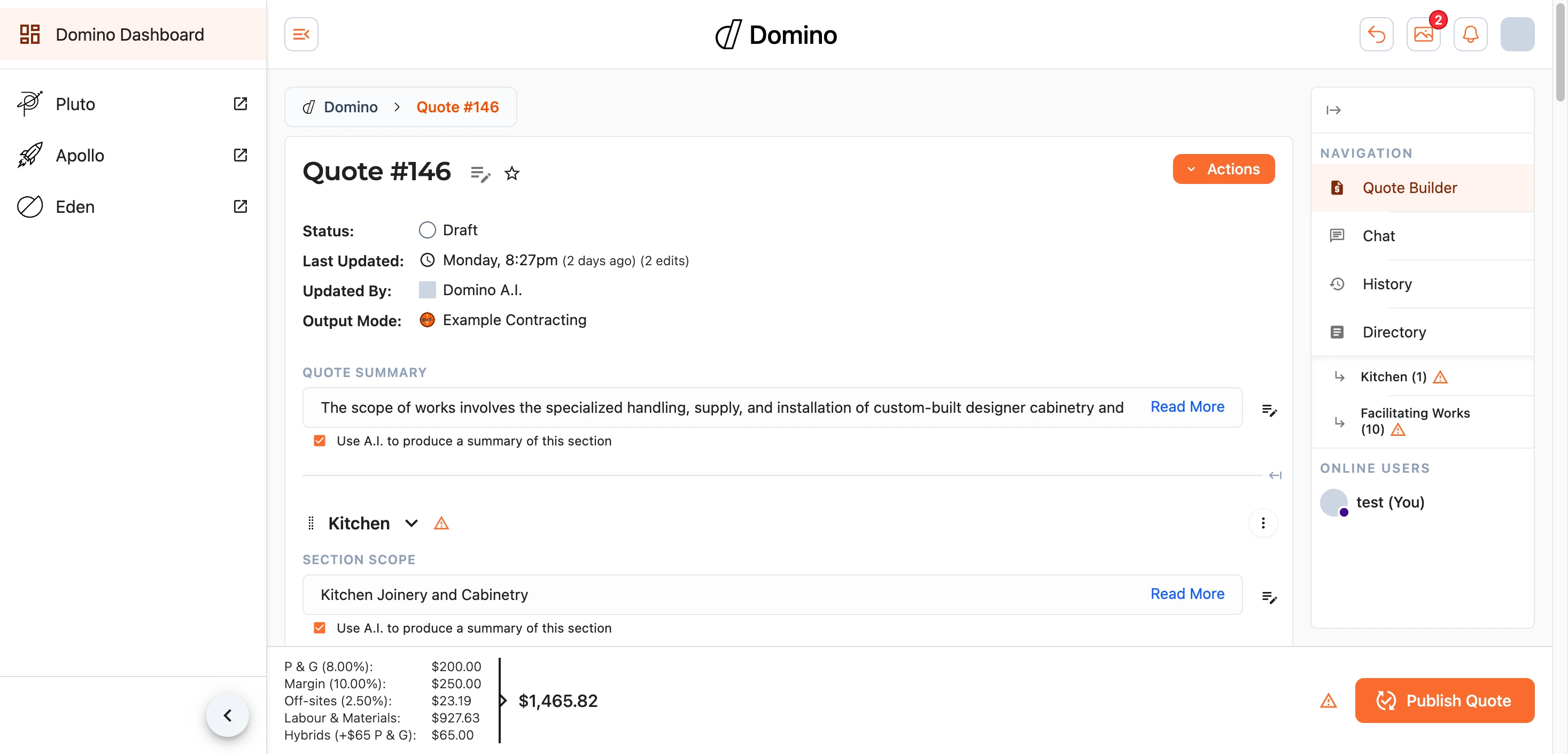
- When others are viewing the same quote, you will see them, so you know who is working alongside you.
Quote Review
Domino can review a quote for you with its A.I. review system. It compares the quote against others in the system and information from the wider internet, then offers suggestions for improvement and an indication of how likely it is to succeed.
Start one from the Quote Review section. A review usually takes five to ten minutes, though a large quote can take fifteen or more, and you can carry on working while it runs. Completed reviews are kept so you can refer back to them.
Publishing
When the quote is ready, Publish Quote produces the finished documents to send out.
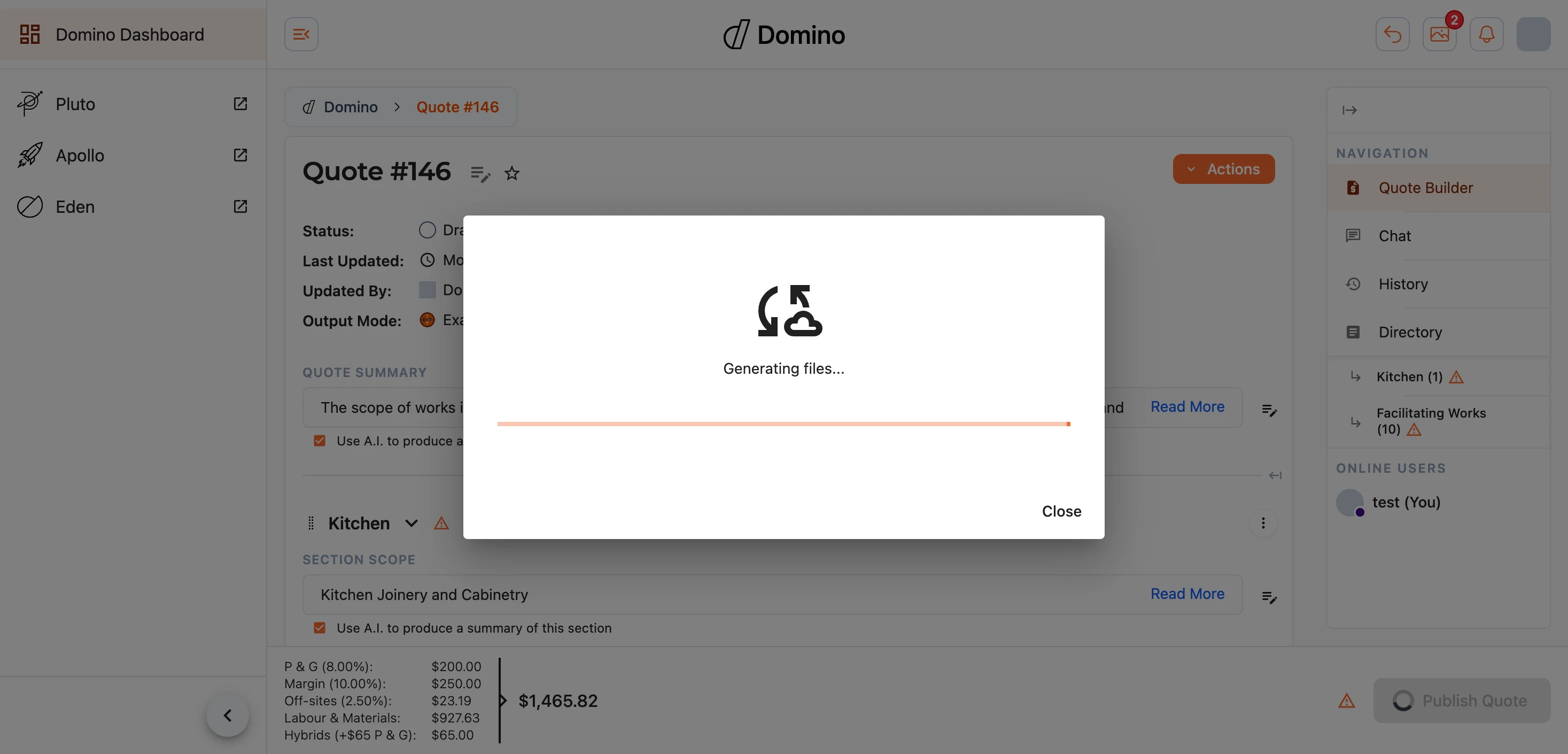
Before publishing, Domino checks the quote for anything that needs attention and lists any issues for you to resolve - select Fix or Go to section to jump straight to them. The publish button stays unavailable until the quote is in good shape.
Once published, Domino generates the quote document under the chosen output branding and shows you a preview to review before you download or send it. Where the quote is linked to a Fergus job, publishing also feeds the result back through to Fergus.
If you selected photos in the Photo Schedule section, publishing also produces a separate Photo Schedule PDF alongside the other generated files, with the photos captioned in your chosen order.
Note: if the Photo Schedule PDF is still over 8 MB after maximum compression, it is flagged with a warning in the generated files - some email providers may refuse an attachment that size, so consider selecting fewer photos and regenerating.
If a document cannot be produced at all it stays in the list marked Could not be generated, with a retry beside it - the other documents still publish as normal.
Note: if a published quote does not look right, you can regenerate it after making your changes - publishing is not a one-way door.