When the plan is ready, Apollo turns it into a set of finished documents you can hand to the crew, the client, or WorkSafe. Use Publish SSSP in the footer of the builder to generate them.
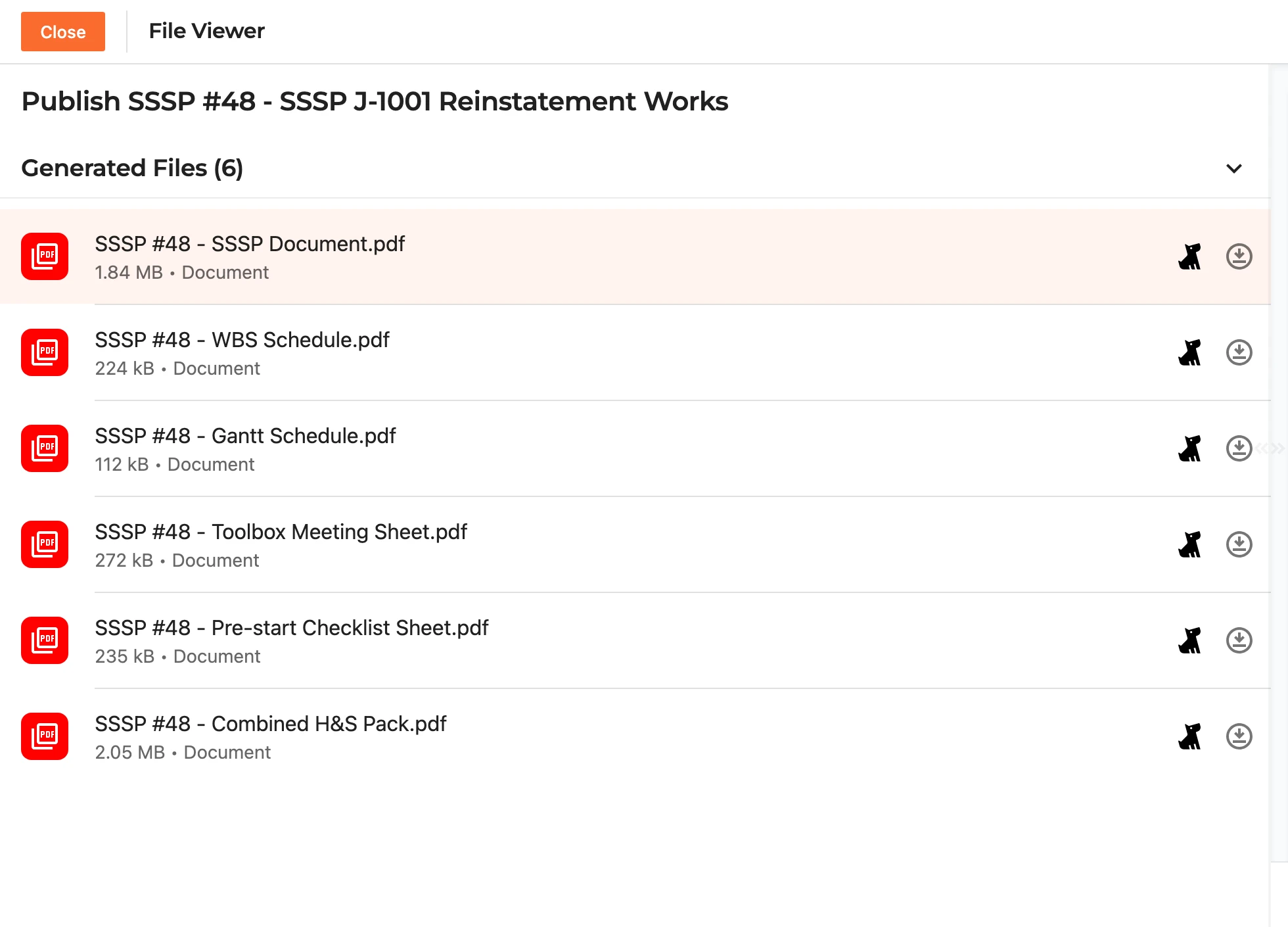
Apollo produces nine documents from the one plan:
- Site Safety Brief - a one-to-two page crew brief: the job's top risks in plain language, the emergency details, and the foreman's start-of-job checklist. It also fronts the combined pack as its cover.
- SSSP Document - the full Site Specific Safety Plan.
- WBS Schedule - the Work Breakdown Structure as a written schedule.
- Gantt Schedule - the same programme laid out on a timeline.
- Toolbox Meeting Sheet - the agenda for on-site toolbox talks.
- Pre-start Checklist Sheet - the checks the crew works through before starting.
- Site Induction & Sign-in Register - the sheet you induct people on and they sign. It gathers the emergency details, the site warnings, the job's main hazards, the PPE and site rules onto one page, and follows them with a register where everyone entering the site records their name, company, trade and their times in and out.
- Environmental Impact Report - the estimated greenhouse gas emissions and material flows of the works, written for the party that commissioned them.
- Combined H&S Pack - the safety and programme documents gathered into a single pack.
Select any document to preview it, and use the download () button on its row to save it to your device. The Combined H&S Pack is the one to reach for when you want to send everything at once. The Environmental Impact Report is deliberately left out of that pack - it goes to a different reader for a different reason, so it travels on its own.
Morgan Project Services forms
Jobs administered by Morgan Project Services come with two of MPS's own forms to fill in and return: their SSSP Checklist and their Preliminary Works Programme. Turn on Morgan Project Services forms - offered right on the New SSSP page when you create the plan, and afterwards in the builder's Configuration section - and publishing produces both, already filled in - the checklist answered from the plan and signed on the company's behalf, and the works programme carrying your Work Breakdown Structure rolled up to its top-level milestones. They print on MPS's own letterhead rather than yours, ready to send as they are, and like the Environmental Impact Report they travel outside the pack.
The checklist's claim header - the insurer, their claim number and the loss adjuster - fills from the Claim details panel above the Configuration section, and Pull from Fergus will read those off the job for you.
Output Mode
Documents can be published under any of our brands. The Output Mode shows the brand currently in use - Duncan & Taylor by default - and you can switch it to Garth or Flooring Design so the finished documents carry the right letterhead.
Sending to Fergus
If the SSSP was started from a Fergus job, each document also has a Send to Fergus action that files it straight back onto the job in Fergus, so the paperwork lives alongside everything else for that job.
Regenerating
If you change the plan after publishing, use Regenerate to rebuild the documents from the latest version. Until you do, Apollo keeps the set it already made so they open quickly.
Note: always regenerate after editing the plan, so the documents you hand out match what is in the builder. If a document does not generate, refresh and try again, or reach out to support@samconsulting.co.nz.